Remove date stamp from photo - the easy way
When a digital camera date stamps an image, it often presents a problem. Many users don't know how to turn this feature off, or initially may even like the idea of the date stamp. But when it comes to sharing or printing the image, the date stamp becomes a big nuisance.
If you want your photos to look clean and professional, the time and date need to be removed. Photoshop makes this a time-consuming, expensive and difficult process. But there's a better way! Inpaint makes date stamp removal quick and simple.
Step 1: Load the image
Open the image that you wish to remove the date stamp from.
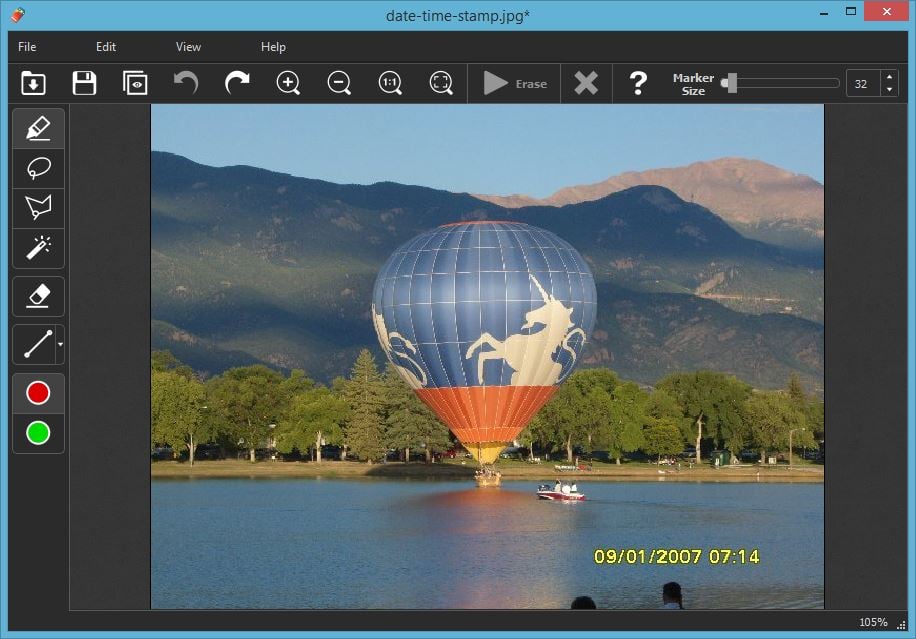
Step 2: Select the date/time stamp
Zoom in on the area with the date and time stamp, and then mark it with marker or any other selection tool.
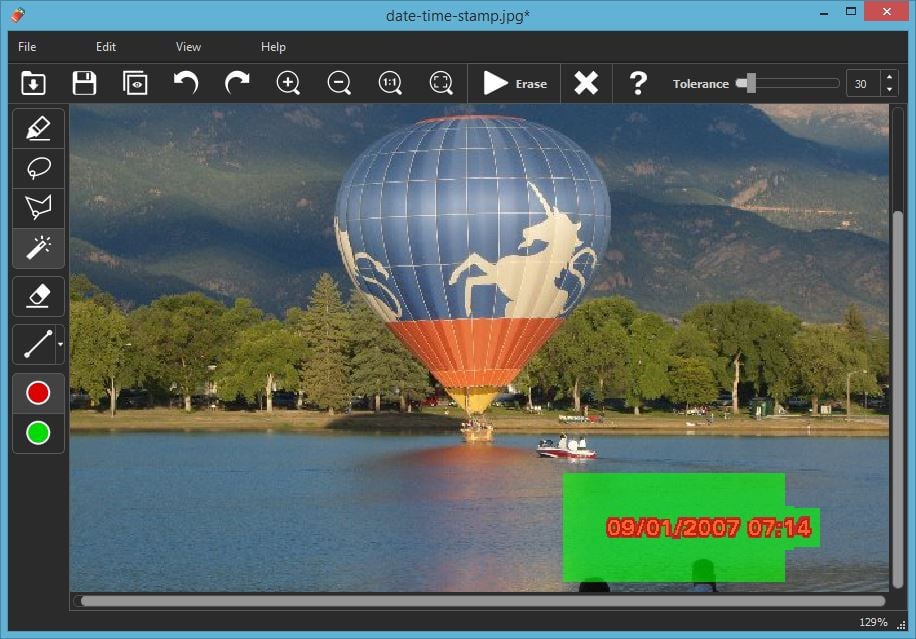
Step 3: Run the restoration process
Click the "Erase" button and the software removes all trace of the time / date stamp.
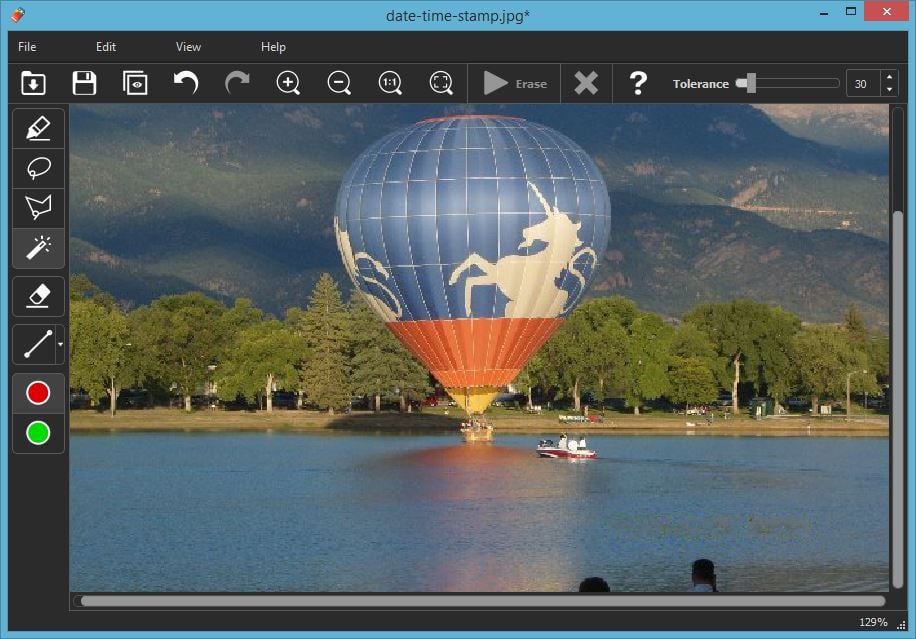
Bonus Step!
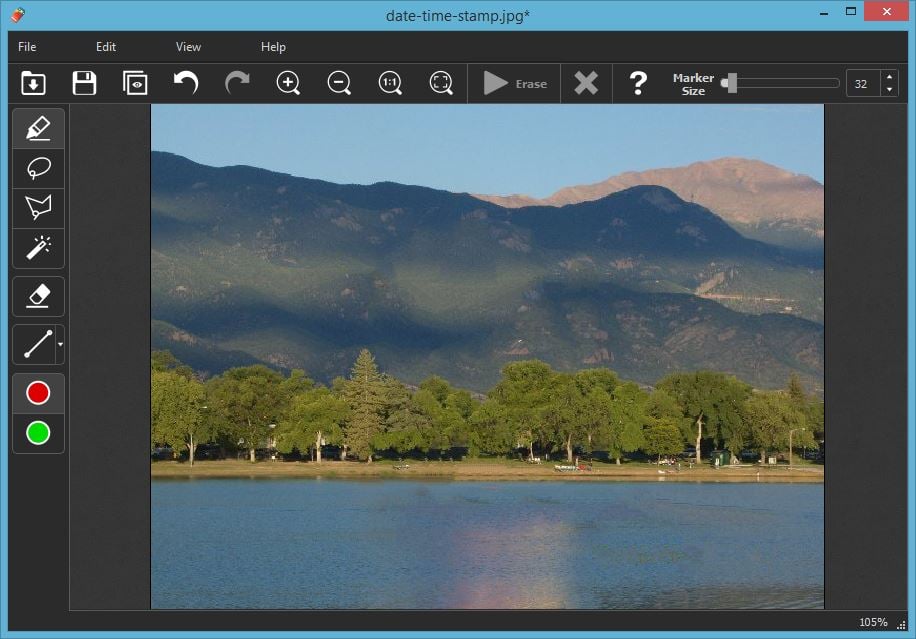
With Inpaint you can remove not only the date stamp, but also the balloon, boat and spectators too!
Customer Feedback:
Removing the date stamp took seconds! A great time saving program.
Chris
Also you probably interested in:

Retouch Multiple Photos with Batch Inpaint
Remove watermarks, date stamps and other unwanted objects in a batch mode.